iPad app · Business · Coming soon
FrontDesk Genie
A front desk that runs itself — visitors sign themselves in on your iPad.
Preview
About
FrontDesk Genie turns an iPad into a front desk that runs itself. Visitors tap to sign in, fill in the details you ask for, and are on their way — no clipboard, no paper list, and nobody tied to the desk.
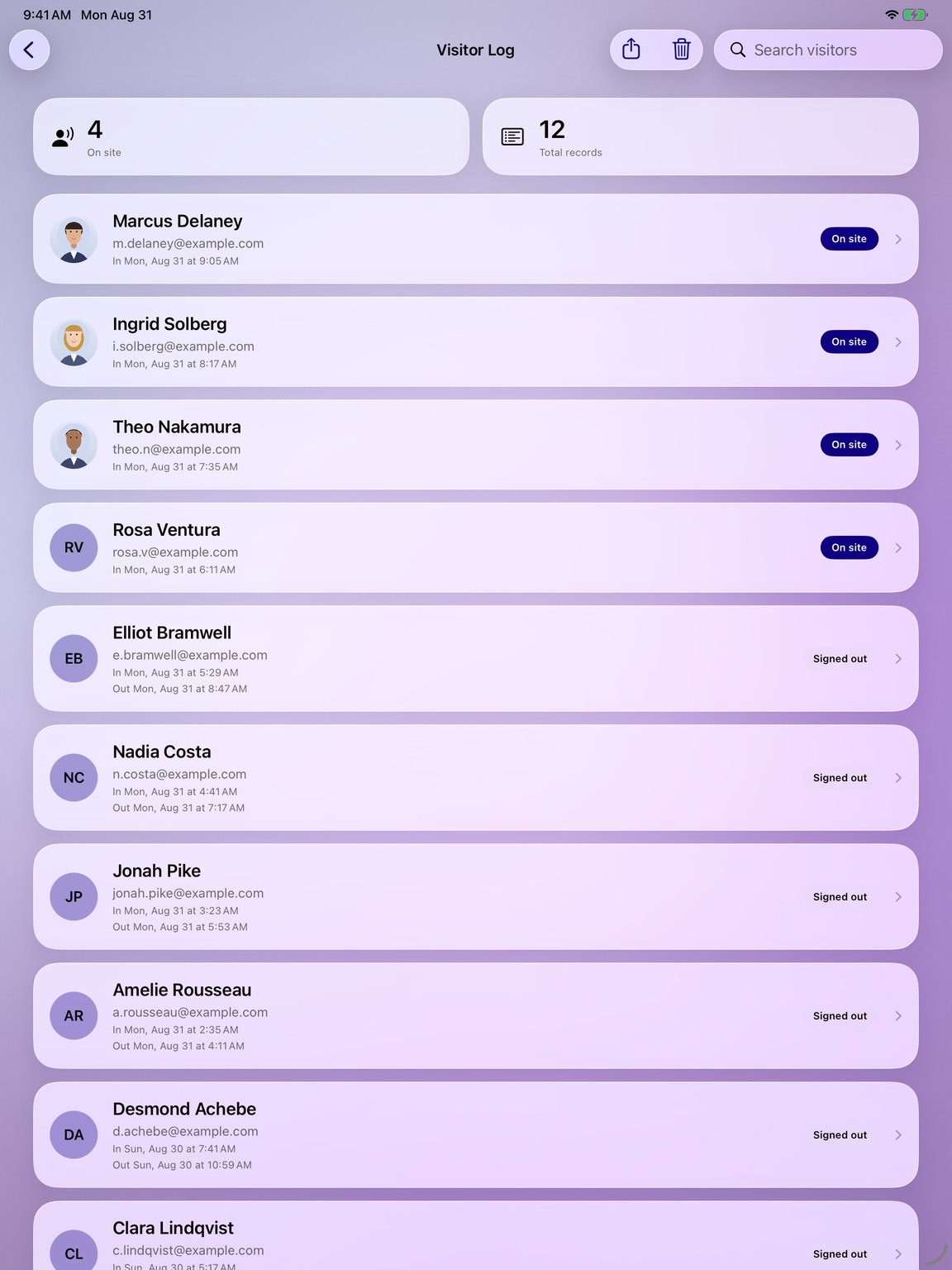
Set it up in minutes: pick a theme colour, add your logo and welcome message, and name the sign-in fields you want. Turn on a photo step and your own agreement text when you need them, and keep every visit in a searchable log you can email out as a CSV.
What you get
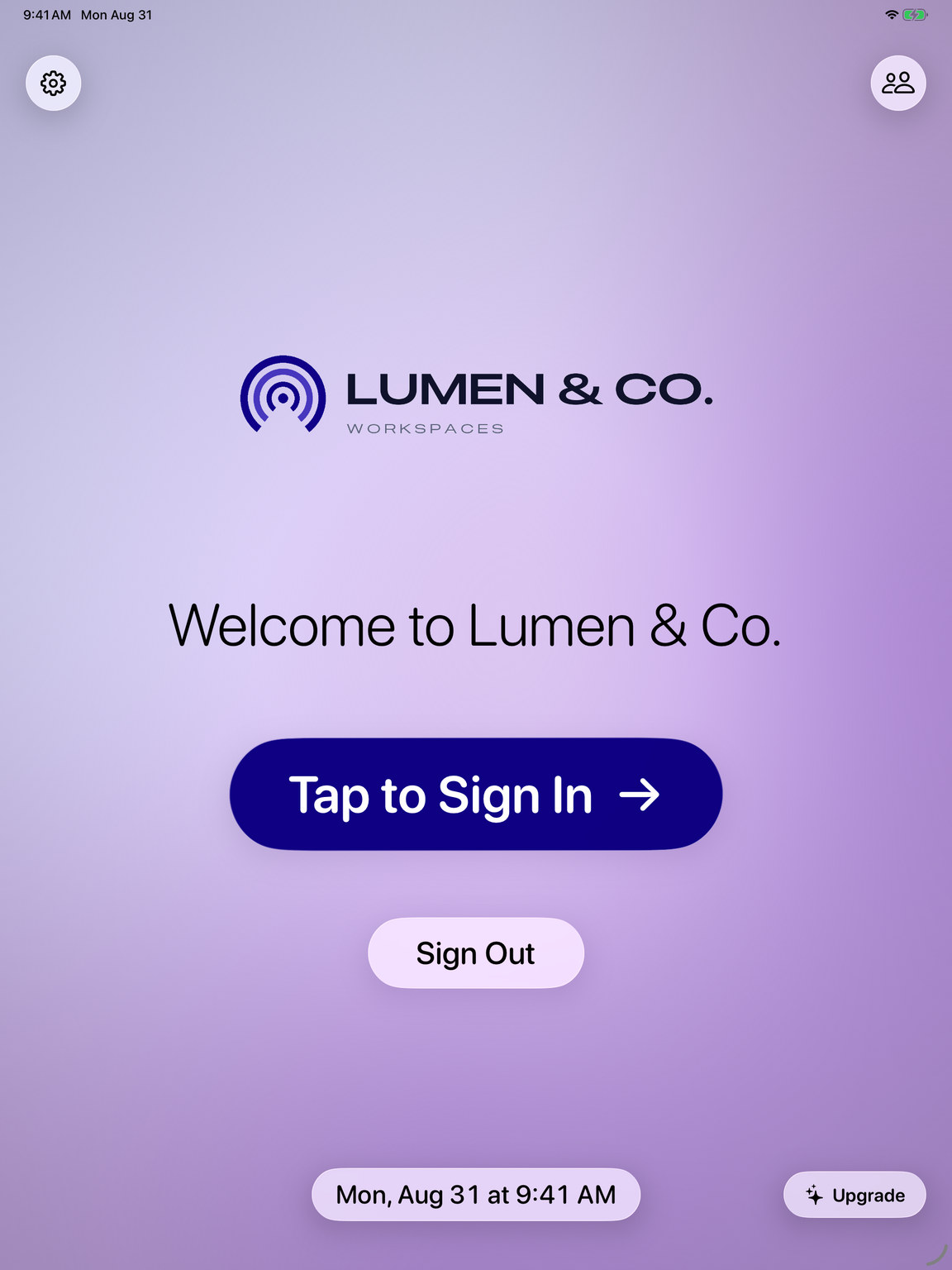
Tap to sign in
Visitors check themselves in and out at the kiosk — and the home screen always shows who is still on site.
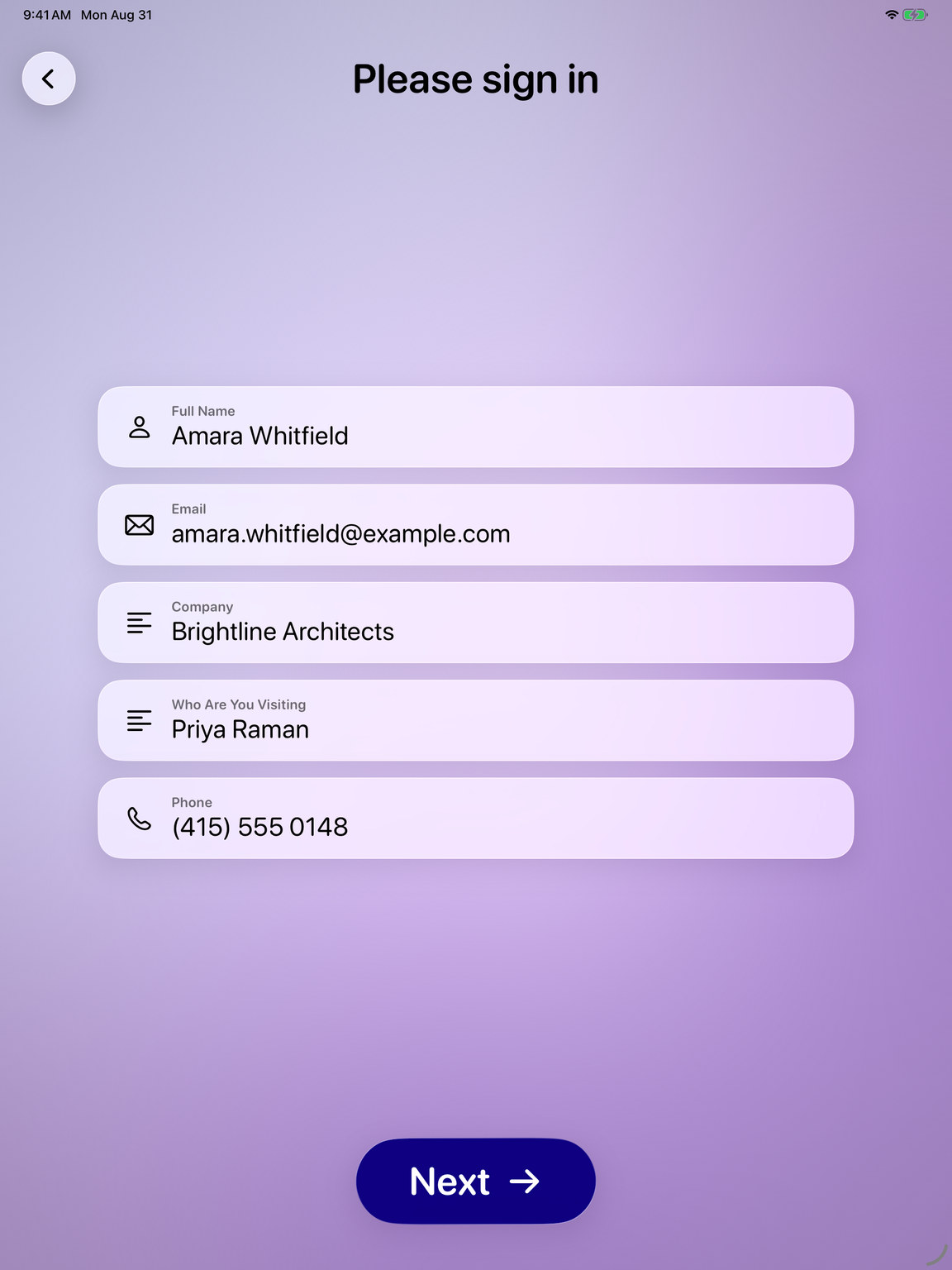
Six fields, your wording
Name a field to switch it on, mark it required, and clear the ones you do not need.
Photo at check-in
Take a visitor photo with the front or back camera, saved alongside the rest of the visit.
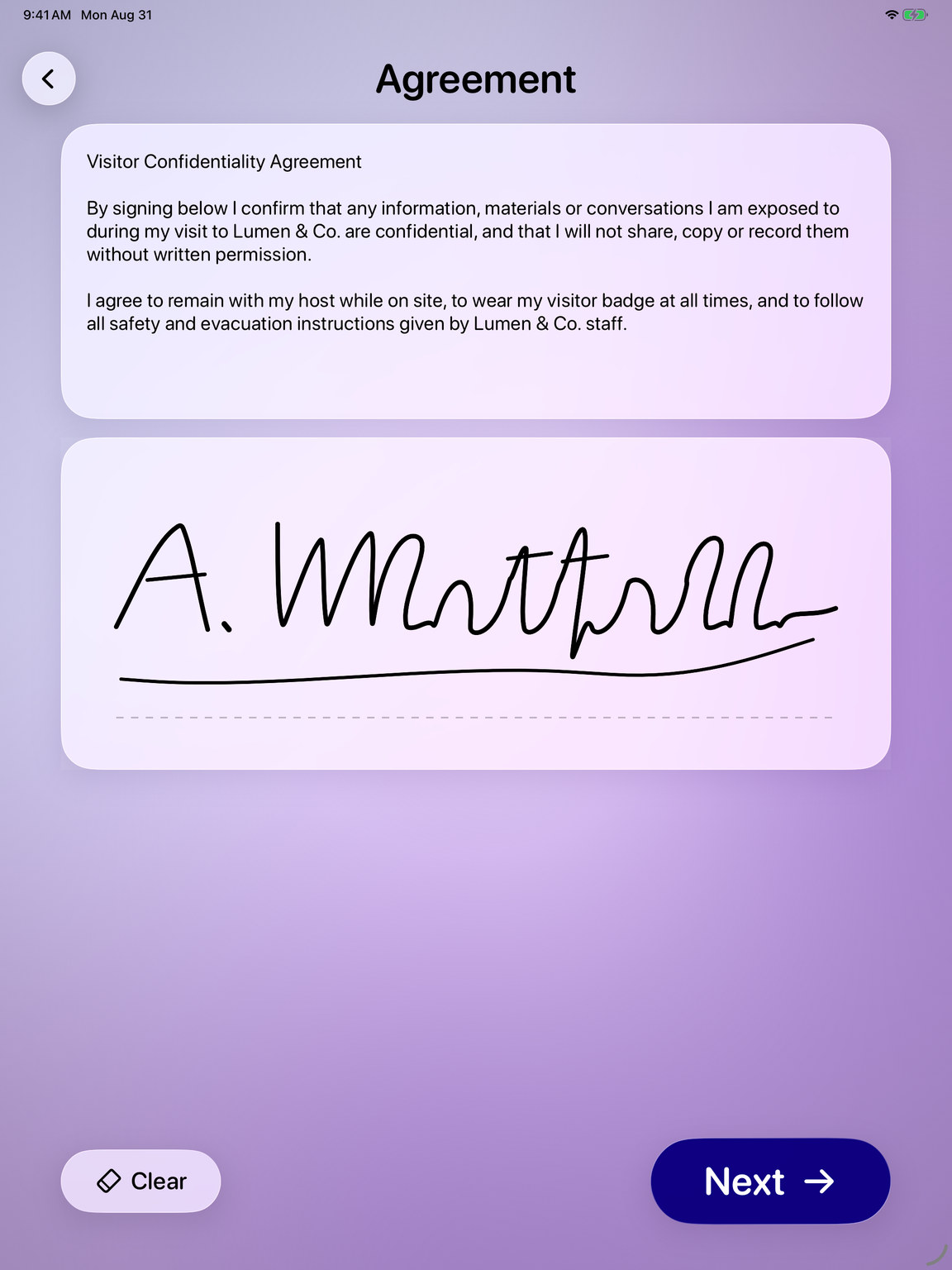
Signed agreement
Show your own confidentiality or safety wording above the signature pad and collect a signature before entry.
Searchable log, exported as CSV
Search the full visit history, open any visitor, and email the whole log out as a spreadsheet.
Staff-only settings
A passcode keeps the settings and the visitor log to your team, and visitors can be signed out automatically after a day.